Word Search
Themed grids drawn from thirteen word lists, against a clock and your own best time
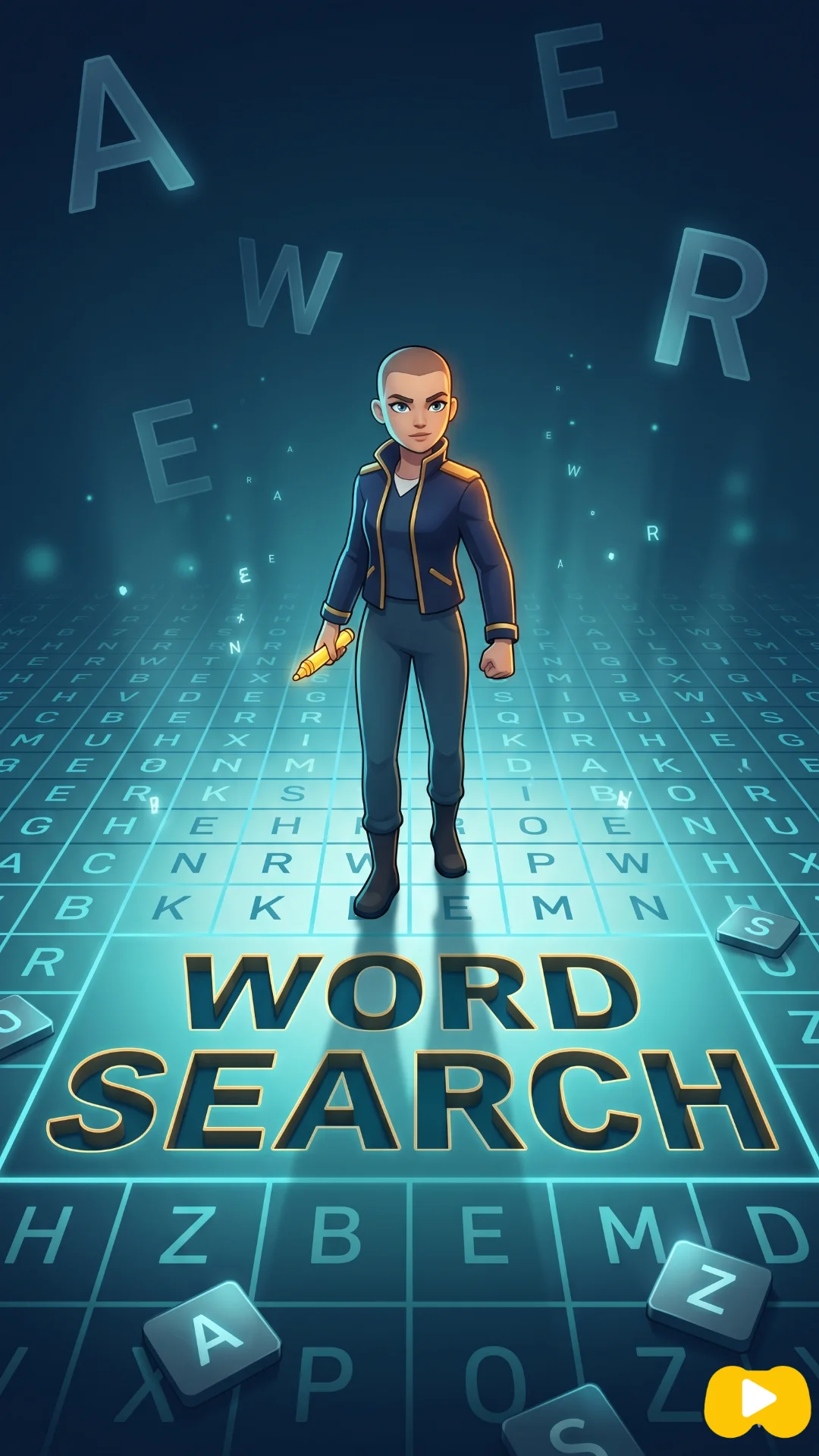
About Word Search
Every puzzle here has a subject. The grid is built from one of thirteen themed lists — animals, nature, food, sport, technology, science, music, adventure, space, emotions, colours, actions, objects — and the theme is printed above the letters, so you are not hunting blind. Knowing you are looking for animals genuinely changes how you read a line of letters.
The three difficulties are not the same puzzle at three sizes. Easy is a ten-by-ten grid holding eight short words, and it lays them out only left to right, downwards, and on the two forward diagonals — nothing is ever reversed. Normal moves to twelve-by-twelve with ten words in all eight directions, backwards included. Hard is sixteen-by-sixteen with ten longer words, up to ten letters, again in every direction.
The clock runs from your first drag and the game keeps a best time for each difficulty separately, so improving on Easy does not quietly overwrite what you managed on Hard. Between puzzles the theme is reshuffled, and it will not hand you the same subject twice in a row.
What is different about this version
Easy genuinely removes a rule rather than shrinking the board. No word is reversed and no word runs upwards, so every entry starts at its top or its left — which makes it a sensible puzzle for a child or for someone who has never done one, rather than a frustrating one with fewer letters. Normal and Hard restore all eight directions.
The word pool is close to twelve hundred entries, but it is not one undifferentiated bag. Each theme carries roughly a hundred of its own words, and the puzzle picks only from the theme it drew, filtered by the length band that difficulty wants. That is why Hard feels like a different game and not just a bigger one: it is asking the same lists for their longest words.
How to play Word Search
- Pick Easy, Normal or Hard, and read the theme printed above the grid.
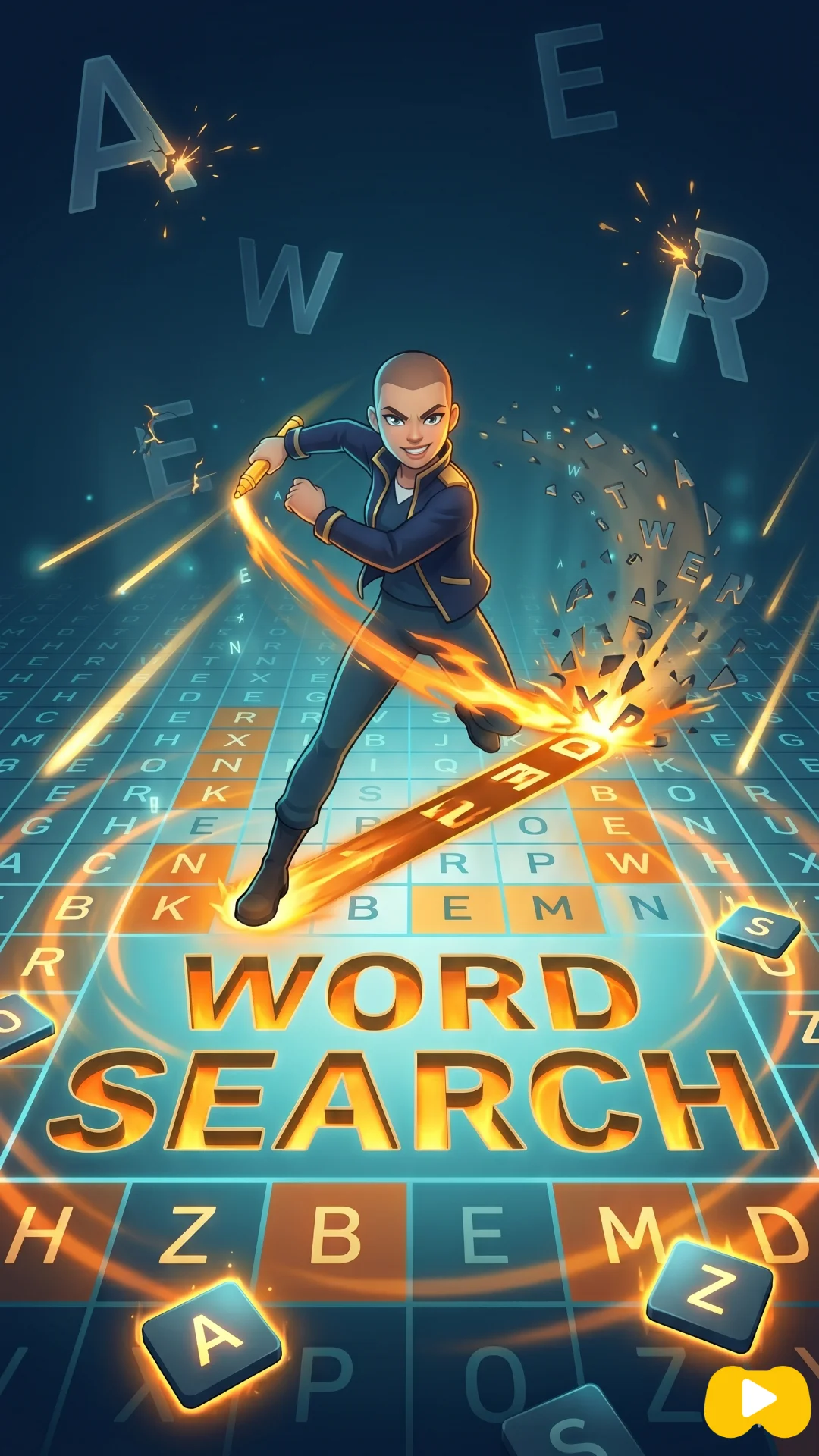
- Drag across the letters from the first to the last to claim a word. The line snaps to straight rows, columns and diagonals.
- Found words are struck off the list beside the grid and stay highlighted in the letters.
- Clear the whole list to stop the clock and see whether you beat your best for that difficulty.
Controls
| Desktop | Click and hold on the first letter, drag to the last, release. |
|---|---|
| Phone or tablet | Touch the first letter and drag; the grid scales to fit the screen so the letters stay thumb-sized. |
| Players | One player. Any other characters on screen are run by the game. |
Strategy
Work from the letters that cannot hide. English distributes letters very unevenly, so scanning for a J, Q, X or Z will usually pin a word to one or two places, and the filler letters around them are random rather than chosen to disguise anything. Once you have a rare letter you only need to check eight directions from that single square instead of reading the whole board.
Use the theme actively, because it is the biggest advantage the game hands you. If the subject is space you are looking for the shapes of ORBIT, COMET and GALAXY rather than for any word at all. Read the whole list before you start instead of referring back to it one word at a time — carrying four or five target shapes in your head lets you spot them in passing while hunting something else.
On Normal and Hard, run the diagonals as a deliberate separate pass. Most people scan rows, then columns, then quietly give up, but half the available directions are diagonal and roughly half of all placements are reversed. If a word refuses to appear, it is almost always written backwards or sitting on a diagonal you have only read one way. Hard's five-to-ten-letter words cut both ways: harder to spot, but long enough to cross most of the grid, so three matching letters in a row are far more likely to be the real word than a coincidence.
Mistakes that cost you the game
- Scanning only left to right and top to bottom. On Normal and Hard, every direction is used, and reversed words are as common as forward ones.
- Ignoring the theme and treating the grid as pure pattern-matching, which throws away the one piece of information that narrows a thousand-word pool to a hundred.
Tips
- Start with the longest word on the list. It has the fewest possible positions and crossing it off early leaves fewer letters in play.
- If a word has an unusual letter, find that letter in the grid first and work outwards from it in both directions.
- Your best time is stored per difficulty, so there is no cost to dropping down a level for a quick puzzle.
Questions about Word Search
How many words are in each grid?
Eight on Easy, ten on Normal and Hard.
Do words run backwards?
On Normal and Hard, yes, in all eight directions. Easy uses four forward directions only and never reverses a word.
How big are the grids?
Ten by ten on Easy, twelve by twelve on Normal, sixteen by sixteen on Hard.
Will I see the same puzzle twice?
The grid is generated fresh each time from the theme's own word list, and the game will not repeat the previous puzzle's theme.
What are the themes?
Thirteen of them, covering animals, nature, food, sport, technology, science, music, adventure, space, emotions, colours, actions and everyday objects.
Does it cost anything?
No. Word Search is free to play, runs in your browser, and needs no download, install or account.
More games like this
-
 3072 MergeSlide a 4x4 grid, fuse matching tiles, and try to build the 3072
-
 Fruit BlastMatch-three against a clock, a score target and a board full of blocks that will not move
-
 Memory CardConcentration with a move counter that decides your rank and a clock that mostly does not
-
 Paint & HidePaint yourself to match the wall before the seeker walks past