
Emoji Drawer
Sixty-three emoji, one blank square, and a percentage that updates while you draw
About Emoji Drawer
You get an emoji and its name. You draw it. A number in the corner tells you how close you are, live, while the line is still under your finger — which is either helpful or unbearable depending on how the drawing is going. Press done and the reference appears over the top of your work as a scatter of dots: green where your ink landed near one, red where it did not. Most people learn more from that reveal than from the score.
There is no clock and no round limit. Sixty-three subjects are dealt out as a shuffled deck, so every one comes up before any repeats, and your running total keeps climbing for as long as you want to keep drawing. Colour is not scored at all — a purple cat scores exactly what a ginger one does — so the palette and the three brush sizes are there for your own satisfaction rather than for points.
What is different about this version
The score is two measurements with different signs, which is why extra effort often makes it worse. Sixty per cent of it is coverage: how many of the reference points have some of your ink within a short distance. The other forty per cent is precision: for a sample of your own strokes, how far each one sits from the nearest reference point. Coverage rewards drawing more. Precision punishes drawing anything in the wrong place — a stray line across an empty corner costs you even though it covered nothing. Below fifty the raw figure is lifted by a curve, so a rough attempt reads a little kinder than it is. Sketching, cross-hatching and shading all score badly here, and a clean single outline in the right proportions scores very well.
How to play Emoji Drawer
- Look at the emoji and its name at the top of the screen, then draw it on the square below.
- Watch the match percentage as you go; it recalculates roughly ten times a second while you draw.
- Use undo to drop the last stroke, the eraser for a small correction, or clear to start the square again.
- Press done to see the reference dots laid over your drawing, then move on to the next one.
Controls
| Desktop | Click and drag to draw, with colour swatches, three brush sizes, an eraser, undo and clear in the side panel. |
|---|---|
| Phone or tablet | Draw with a finger; the same tools sit along the edge of the canvas. |
| Players | One player. Any other characters on screen are run by the game. |
Strategy
Treat the square as a hundred-by-hundred grid and place the big shape first. Almost every reference is built around a head, a body or a disc sitting near the centre, and if that central mass lands in the wrong place nothing you add afterwards can recover it, because every later stroke is measured against points you are now offset from. Get the main circle or oval down, check the percentage, and adjust it before you commit to any detail.
After that, work outward and stop early. Ears, petals, wings and legs are where the remaining coverage lives, and they are usually simple shapes at predictable angles — five petals evenly spaced, two ears at the top corners of a head, a stem running straight down. What does not help is texture. Because precision averages across every point you have drawn, a hundred short scribbles inside a shape that is already covered will drag your score down while adding nothing to the coverage half, and that is the single most common reason a drawing that looks better scores worse.
The reveal is the part worth studying. Red dots are coverage you left on the table, and they cluster in the same places round after round — the thin connecting lines people skip, the far ear, the base of a stem. Once you notice that you consistently draw heads too large and everything else too small, your average climbs without your drawing improving at all.
Mistakes that cost you the game
- Adding detail before checking the main shape is in the right place. Detail drawn around a misplaced centre costs precision without buying coverage.
- Filling or shading. Ink inside an area the reference does not cover counts against you every time.
Tips
- Draw big. The reference occupies most of the square, and a small neat drawing in the middle misses the outer points entirely.
- Stop the moment the percentage stops rising. It is telling you the truth, and the next stroke is more likely to cost than to gain.
- Use the largest brush for the outline. A thicker line covers more reference points for the same stroke.
- Undo rather than erase when a line goes wrong. The eraser leaves the surrounding ink in place, and that ink is still being measured.
Questions about Emoji Drawer
Does the colour I choose affect the score?
Not at all. Only the shape and position of your strokes are measured, so the palette is purely for enjoyment.
Does the game run out of subjects?
Sixty-three are dealt as a shuffled deck, so all of them appear before any comes round a second time, and then the deck reshuffles.
Why did my score drop when I added more?
The precision half of the score averages the distance from every stroke you have drawn to the nearest reference point, so ink in empty space pulls the whole thing down.
Does it cost anything?
No. Emoji Drawer is free to play, runs in your browser, and needs no download, install or account.
More games like this
-
 Paint & HidePaint yourself to match the wall before the seeker walks past
-
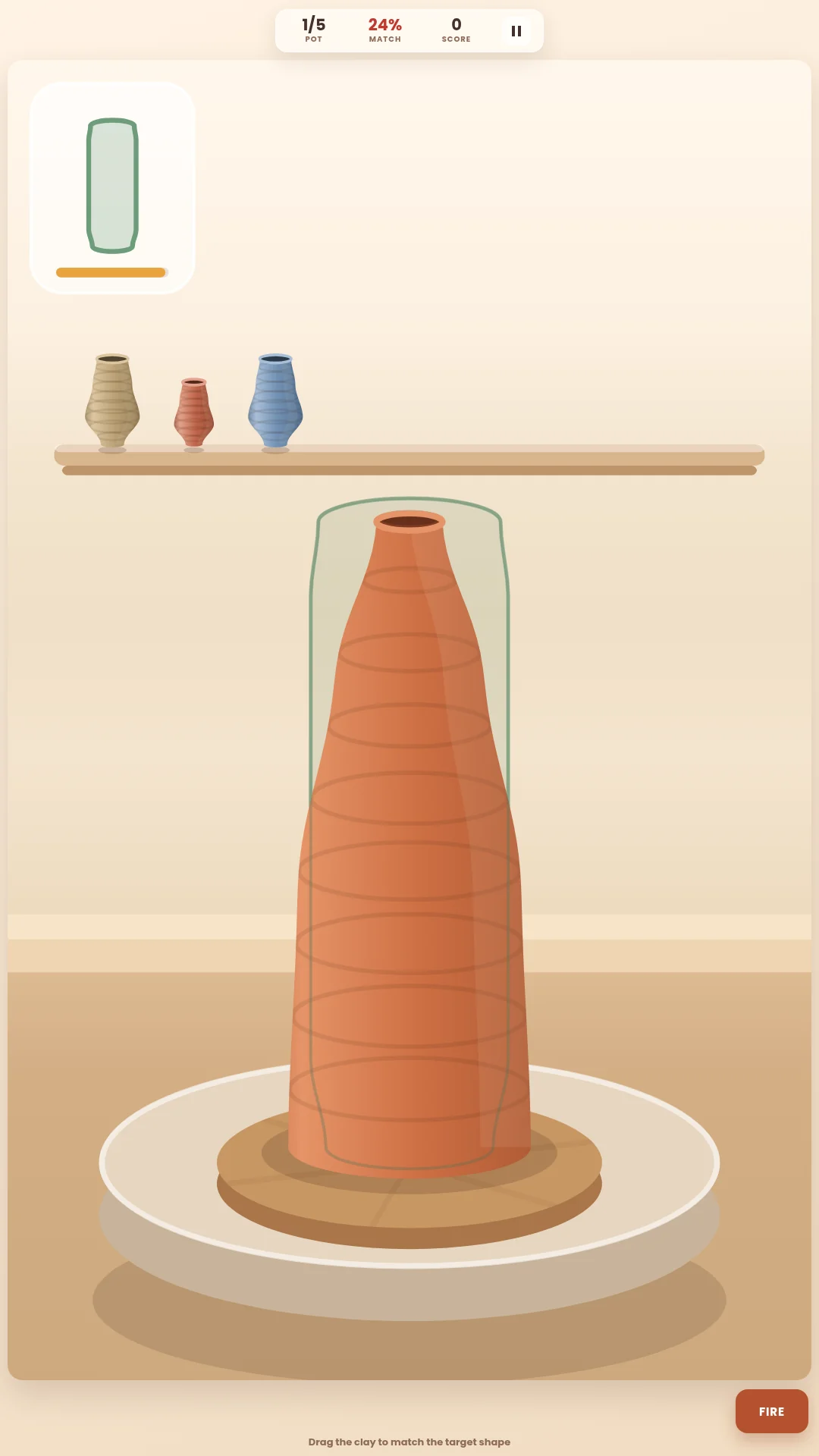 Pottery WheelA lump of clay, a spinning wheel, and a shape in the corner you have to hit
-
 3072 MergeSlide a 4x4 grid, fuse matching tiles, and try to build the 3072
-
 Ball EaterSwallow anything eight per cent smaller, and stay well clear of the spiky red one