
Cube Solver
A 3D cube you turn with your thumb, three scramble lengths and a clock if you want one
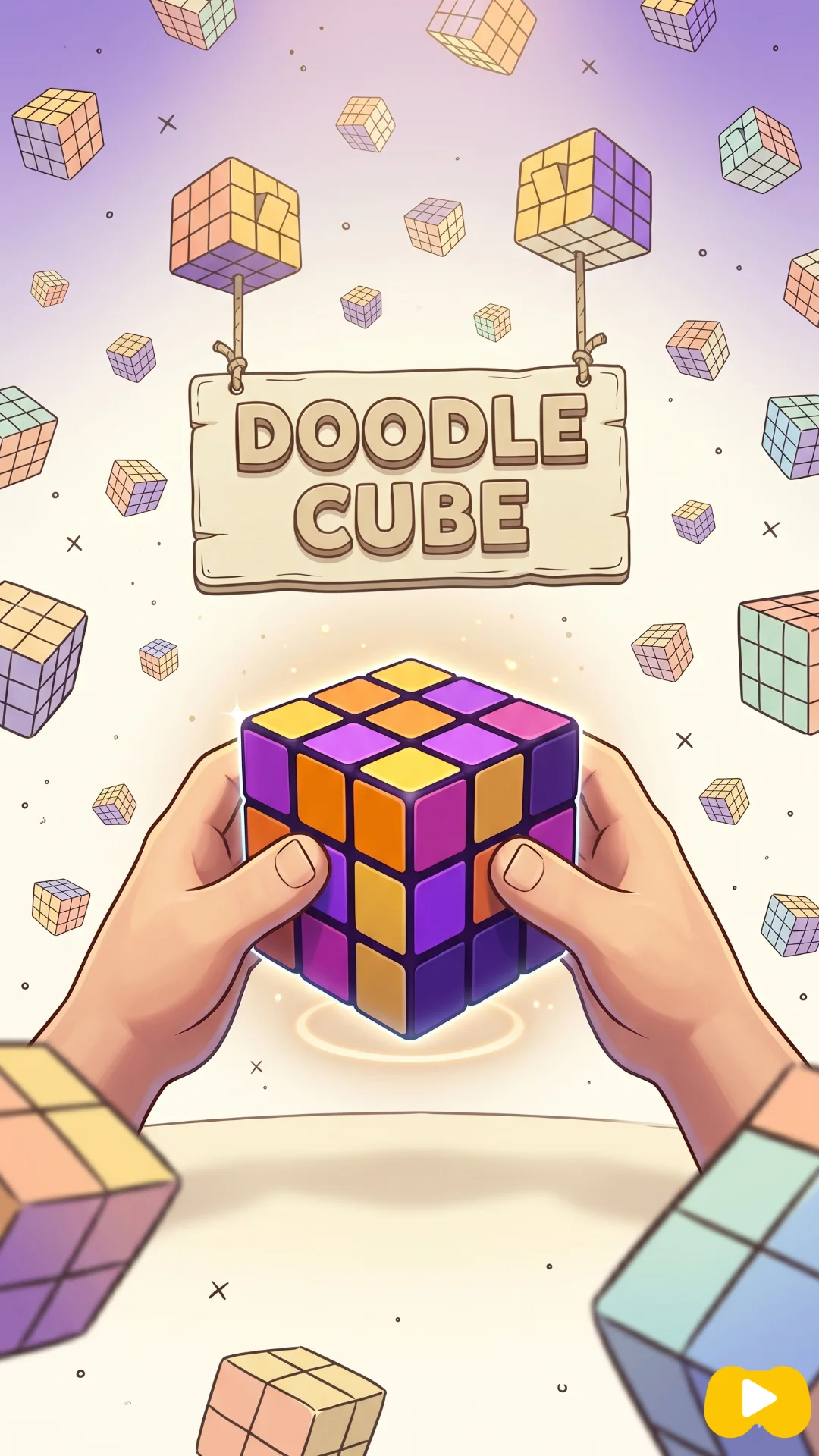
About Cube Solver
A three-by-three twisty cube rendered properly in 3D, with the layers turning as layers rather than a flat net pretending to be a cube. Swipe across a sticker to twist the layer it belongs to, and drag anywhere off the cube to spin the whole thing round and look at the back.
The scramble is the difficulty setting. Easy shuffles it six moves, which is short enough that you can often unpick it by eye. Normal uses fourteen. Hard uses twenty-five, which is well past the point where working backwards helps and you have to actually solve it. Your best time is stored separately for each of those three lengths, so a quick six-move run never contaminates the record you are chasing on hard.
A clock and a move counter sit at the top, but nothing starts until you make your first turn — so the planning is free. Undo is unlimited, Reset puts the cube back to the scramble you were given, and there is a Solve button for when you want the satisfaction of watching it unwind instead of doing it yourself.
What is different about this version
Two things behave differently here from what people usually expect. The face keys are read from your current view, not from a fixed orientation — R turns whatever face is on your right at that moment, so spinning the cube changes what every key does. That matches how you handle a cube in your hands, and it catches people who learned notation from a diagram. The Solve button is also not a solver. It retraces the scramble and every move you have made since, simplifies that list, and unwinds it. Which means it always works, it is pleasant to watch, and it deliberately voids the run: your timer and move count reset and the cube drops out of the timed state until you scramble again.
How to play Cube Solver
- Pick a scramble length, then take the cube you are given or deal a new one.
- Swipe across a sticker to turn that layer. Your drag direction decides the direction of the turn.
- Drag away from the cube to orbit the camera and check the faces you cannot see.
- On a keyboard, U D L R F and B turn the matching face, and Shift reverses the turn.
- Undo steps back one move at a time; Reset returns to the scramble you were given.
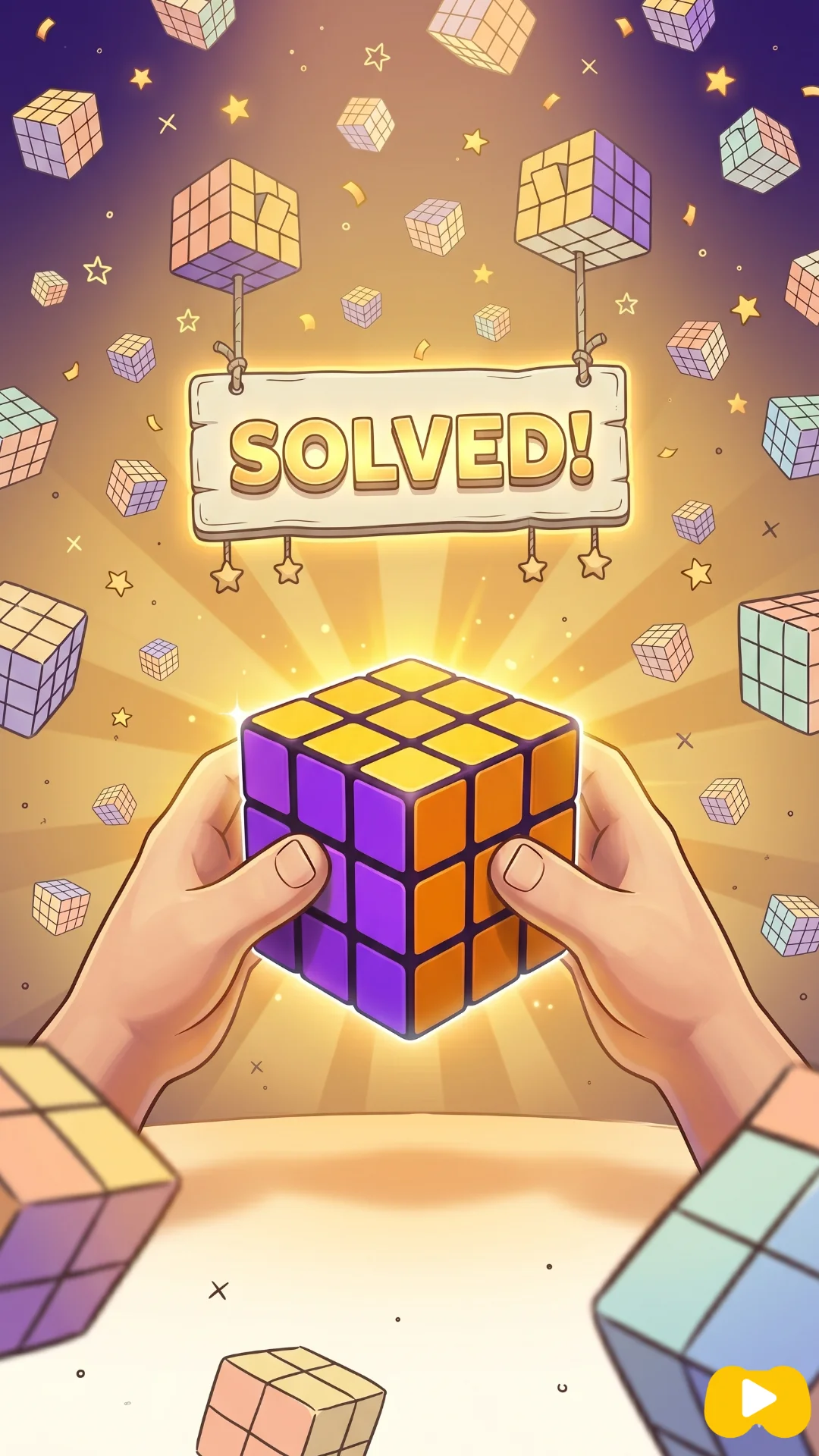
- All six faces one colour stops the clock.
Controls
| Desktop | Drag a sticker to twist a layer, drag the background to rotate the cube, or use the U D L R F B keys with Shift for reverse turns. |
|---|---|
| Phone or tablet | Swipe a sticker to turn its layer, and drag off the cube to spin your view. |
| Players | One player. Any other characters on screen are run by the game. |
Strategy
Nothing is running until your first turn, so the single most valuable habit is looking before touching. Find all four bottom-layer edge pieces, work out roughly where each one has to travel, and only then start. Planning for fifteen seconds and then turning for ninety beats starting immediately and hunting the whole way through.
Solve strictly bottom up. The bottom cross, then the bottom corners, then the middle layer, then the top — in that order, without exception. The reason is mechanical rather than stylistic: almost every useful sequence for a later stage temporarily disturbs the layers beneath it and puts them back, and that only works if they were correct to begin with. Fixing a bottom corner after the middle layer is done means dismantling the middle layer to reach it.
For the middle layer, learn one edge-insertion sequence and its mirror. That pair handles every middle edge, and it is the smallest amount of memorisation that turns fiddling into solving. When you execute it, do not spin the camera halfway through — because the keys and your drag directions are both read from the current view, reorienting mid-sequence is the most common way to turn a correct sequence into a scramble. On the easy setting, none of this is necessary: six random moves can usually be reversed by inspection, and Undo lets you explore a guess and take it back at no cost.
Mistakes that cost you the game
- Starting on the top face because the colours there look promising. Every later stage assumes the layers below it are already finished.
- Rotating the view in the middle of a memorised sequence. Both the keys and the drag directions follow the camera, so the second half of the sequence does something else entirely.
Tips
- Spin the cube rather than reaching for an awkward twist. Bringing the face you want to the front costs nothing and prevents mis-drags.
- Use Undo as a thinking tool on easy and normal — try a turn, look at the result, step back.
- Your best time is kept per scramble length, so if you want a record on hard, practise on hard.
Questions about Cube Solver
Does the Solve button work out a solution?
No — it retraces the scramble and your moves and plays them backwards. It always finishes, but it ends the current run.
What size is the cube?
Three by three. There are no larger variants here.
When does the timer start?
On your first turn, not when the scramble appears.
Why did R turn the wrong face?
The face keys follow your current view. Whichever face is on the right when you press it turns.
Can I undo more than one move?
Yes, as far back as the scramble. Reset jumps there in one step.
Does it cost anything?
No. Cube Solver is free to play, runs in your browser, and needs no download, install or account.
More games like this
-
 Atlas GlobeTen places, one spinning world, and your score measured in kilometres of error
-
 Fold LabFold nets into cubes and punch folded paper, all in your head
-
 Voxel VaultTwenty-four grids, one tall block, and a vault that only accepts it standing up
-
 3072 MergeSlide a 4x4 grid, fuse matching tiles, and try to build the 3072