
Pool 3D
A table built to real dimensions, with the camera down at cue height where cuts get hard to read
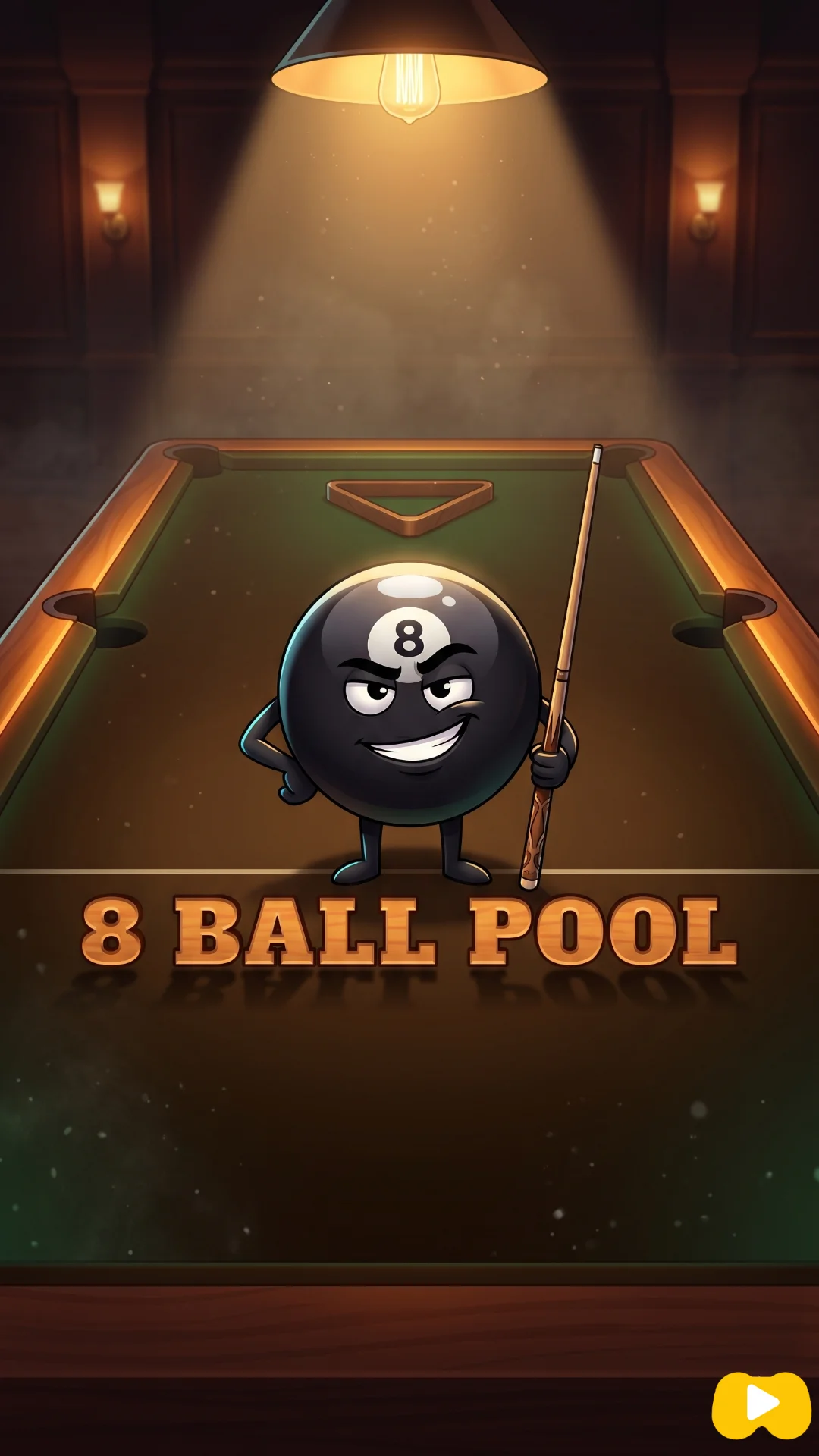
About Pool 3D
The table is modelled at proper size — a playfield a shade over two and a half metres long, balls at the real 57 millimetres — and the camera lives just above the cloth rather than up in the ceiling. That decision changes everything about how it plays. From a low angle a half-ball cut and a three-quarter-ball cut look almost identical, and you find out which one you played after the object ball has left.
Swinging the view round the white is therefore not decoration, it is the main skill. You orbit until you are looking down the intended line, check the ghost marker sitting where contact will happen, then set power by dragging the ball itself backwards. Cushions give back most of what they take, so the white keeps running, and the pocket jaws pull in anything arriving close enough. Play the CPU on one of three settings, or hand the device across after every miss. Fouls, groups and the black are all handled the way a pub table would handle them, with one rule added that most browser versions do not bother with.
What is different about this version
There is a rule in here that most browser pool tables quietly skip: if you make contact but nothing drops and no ball reaches a cushion afterwards, it is a foul and the table goes over with ball in hand. That kills the stall tactic of nudging your own ball an inch and handing over a mess — safety play has to actually send something to a rail. The pockets have a little pull as well: get inside about one and three-quarter ball widths of the jaws and the ball is drawn in rather than left sitting on the lip. Balls that die near a corner go, which rewards rolling the white gently at a pocket mouth instead of hammering.
How to play Pool 3D
- Break, then watch for the first legal pot — that decides who takes solids and who takes stripes.
- Swing the camera round until you are behind the shot and can judge the cut honestly.
- Tap the cloth to point the cue at a spot, or grab the cue ball and pull backwards to load power.
- Keep potting your own group to keep the table. Fouls give the other side the ball in hand.
- Finish the group, then the black, and the frame is yours.
Controls
| Desktop | Left-drag to aim, pull backwards from the white to load power, right-drag to orbit the camera; arrows fine-tune and Space charges a shot. |
|---|---|
| Phone or tablet | One finger aims and pulls the cue back; two fingers dragged together swing the camera round the table. |
| Players | One or two people on the same device. Nothing here plays over the internet. |


Strategy
Judge every cut from behind the line, never from the side. The low camera compresses angles, and the error it produces always runs the same way: cuts look thinner than they are, so players overcut and miss on the near side. Orbit until white, ghost marker and pocket stack up in one column on screen. If you cannot line all three up, the shot is thinner than you think.
Power needs restraint because the cushions return most of the pace. A firm shot that misses does not stop — it crosses the table twice and leaves the white somewhere you would never have chosen. Roll shots in instead. The jaws finish the job for anything arriving with a little pace left, and a slow white stops near where it struck, which is usually where your next ball is.
Against the computer, the thing worth knowing is that it picks one shot and plays it, and nothing in its reasoning cares where the white ends up afterwards. It will take a long cut across the table and leave itself hooked for the next one. A defensive shot is never wasted on it: give it a thin contact and it fouls often enough to hand the table straight back. Accuracy is what changes between the settings, and on the top one its aim error is under half a degree — at which point giving it nothing is the only plan that works.
Mistakes that cost you the game
- Shooting from the default view because swinging the camera feels slow. Almost every missed pot here comes from judging the angle side-on.
- Using full power on a pot into a corner. The white comes back off two cushions and spoils the position you just earned.
- Playing a soft safety that touches nothing else and sends no ball to a rail — that is a foul, and it hands over ball in hand.
Tips
- Drop the camera low for thin cuts and raise it for long straight pots. Height is a tool, not a preference.
- The arrow keys exist for the final degree. Dragging gets you close; the keys get you in.
- A ghost marker that has turned red means your first contact would be illegal. Check it before every shot.
- On slow shots aim at the pocket mouth rather than its centre and let the jaws finish it.
- In two-player, swing the camera back to neutral before passing the device — a locked-in view gives away your plan.
Questions about Pool 3D
Will it run on an older phone?
It is built as lightweight 3D and targets a few-year-old Android. If it stutters, closing other tabs usually settles it.
Do I need to call the pocket?
No. Any legal pot counts, flukes included.
What is the rail rule about?
After contact, either a ball drops or some ball must reach a cushion. If neither happens, it is a foul.
Can I add side spin?
No. Contact is always through the centre of the white — direction and pace are the only things you control.
Does the second player need their own device?
No, and there is no way to connect two. Both share the same screen and take turns at the table.
Does it cost anything?
No. Pool 3D is free to play, runs in your browser, and needs no download, install or account.
More games like this
-
 Bowling 3DRoll a heavy ball down a maple lane and knock down all ten pins
-
 Car FootballTwo cars, one ball you actually carry, and three minutes to score more than they do
-
 Street FootballFive-a-side 3D football against the computer, two minutes on the clock
-
 Table Tennis3D ping pong where the ball must bounce on your half before you can return it